Salesforce Data Cloud Demystified
Salesforce Data Cloud is arguably the most significant platform to be released in the history of Salesforce. However, its journey to market has been more evolutionary than revolutionary. Salesforce started on this journey over five years ago, when they first announced Customer 360 at Salesforce Connections in June 2019. Then at Dreamforce in the same year, the platform was renamed Customer 360 Audiences, which was then renamed to Salesforce CDP in May 2021, then Genie at Dreamforce in 2022, before settling on Data Cloud in February this year. It’s been quite hard to keep up.
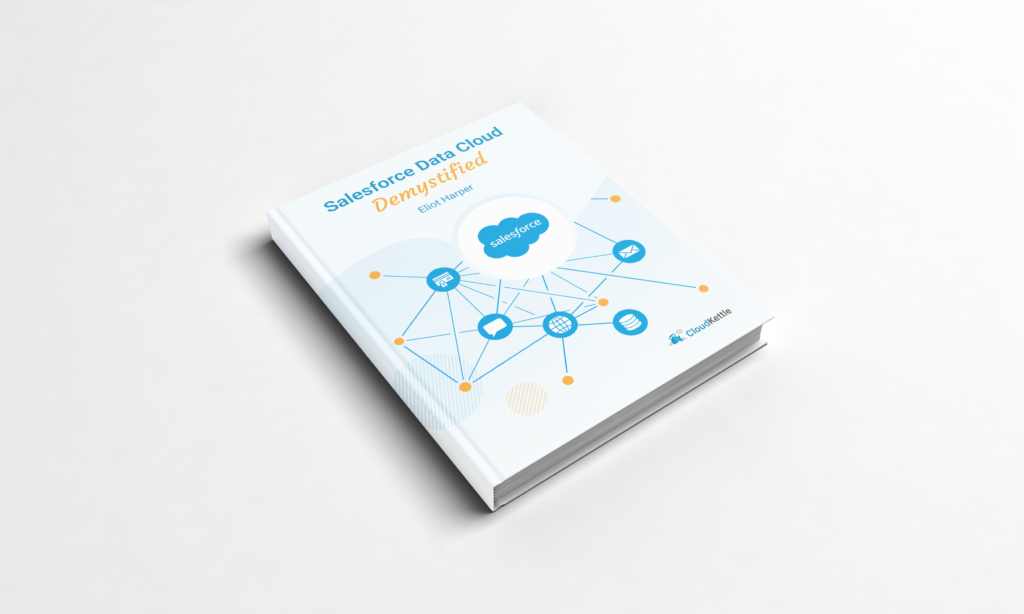
Data Cloud is a purpose-built platform that enables organizations to connect all their customer data, at scale. Whether that data resides in a mobile app, data lake, data warehouse, Salesforce platform, or is collected from user interactions on your website, Data Cloud provides the ability to ingest data from multiple sources, either as a batch process or in real-time, then harmonizes the data into a structured, canonical data model and applies reconciliation rules to unify individual records to a single profile that adapts to a customers’ activity and behavior, in real-time. Then you can analyze, segment and activate this data, automating customer experiences across the complete suite of Salesforce Customer 360 products. Whether it’s injecting a Contact into a Marketing Cloud journey or converting a Lead in Sales Cloud, or creating a case in Service Cloud, Data Cloud can fulfill marketing, sales and service automation use cases.
Some organizations assume that they don’t need Data Cloud, as they already use data platforms. Perhaps they’re already storing customer data in a data lake, and using a data warehouse for business intelligence activities. But it’s important to understand that Data Cloud is actually neither of those platforms, but both of them.
- Profile data for an individual, like user identity, phone and email
- eCommerce data including cart and cart items, orders and product catalog entries
- Consent tracking to capture when a user provides consent (the SDK will only send events only if a customer has consented to tracking)